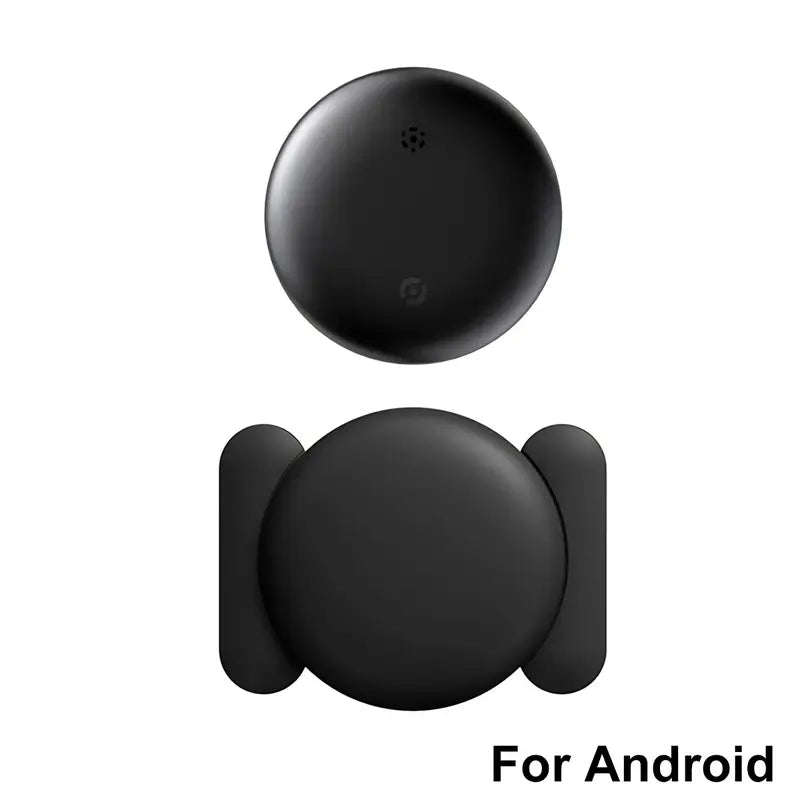
Slim iOS Wallet Tracker Card
Slim iOS Wallet Tracker Card



Currently this item has stock!
Couldn't load pickup availability
Keep track of your wallet, keys, bags, and travel essentials with a slim Bluetooth tracker designed for Apple Find My on compatible iOS devices. Its flat card-style design fits neatly into many wallets and passport holders, while the built-in keychain hole makes it easy to attach to keys, backpacks, luggage, and more.
Spend Less Time Searching
Misplacing everyday essentials can be frustrating. This compact item tracker helps you keep track of belongings that are easy to forget or leave behind.
Place the card inside your wallet, passport holder, luggage pocket, or bag. For keys and other items, use the built-in keychain hole to connect the tracker to a key ring or suitable strap.
Once connected to the compatible Find My app, you can check the tracker’s available location information through your iPhone or other compatible iOS device.
Designed for Everyday Convenience
Works with Compatible iOS Devices
Connect the tracker through the Apple Find My app on a compatible iPhone or iOS device.
Slim Card-Style Design
The flat profile is designed to fit inside many wallets, card holders, passport cases, and luggage pockets.
Built-In Keychain Hole
Attach the tracker to a key ring, backpack, handbag, luggage strap, or another suitable item.
Useful for Everyday Essentials
Keep track of frequently used belongings at home, at work, or while traveling.
What Can You Track?
Use the tracker with belongings you carry, store, or travel with regularly.
- Wallets and card holders
- Keys and key rings
- Handbags and backpacks
- Passports and travel cases
- Suitcases and luggage
- Tool bags and equipment cases
- Small personal belongings
- Other frequently moved everyday items
How the Tracker Works
This product uses Bluetooth tracking technology and connects to the Apple Find My app on compatible iOS devices. It is designed to help you locate belongings carrying the tracker.
Important: This is not a standalone GPS navigation device. Location availability and accuracy may depend on Bluetooth range, nearby devices, app functionality, signal conditions, and the surrounding environment.
How to Set Up Your Tracker
Prepare Your iPhone
Use a compatible iOS device with the Apple Find My app. Make sure Bluetooth is enabled.
Open the Find My App
Open the app and follow its instructions for adding a compatible item or accessory.
Pair the Tracker
Keep the tracker close to your device during setup and complete the on-screen pairing steps.
Place or Attach the Tracker
Slide it into your wallet, passport holder, luggage pocket, or bag. You can also attach it to keys or another suitable item through the keychain hole.
Check the App When Needed
Open the compatible app to view the tracker’s available location information and follow the instructions shown on your device.
Two Convenient Ways to Carry It
Place It Inside a Wallet or Passport Holder
The slim card shape is suitable for many wallets, card holders, passport cases, and travel organizers. Make sure the item has enough room before inserting the tracker.
Attach It to Keys or Bags
Use the built-in keychain hole to connect the tracker to a key ring, backpack, handbag, luggage strap, or another suitable accessory.
Product Details
Care and Maintenance
Follow these simple care tips to help keep the tracker clean and ready for everyday use.
- Keep the tracker away from excessive moisture, heat, and direct sunlight.
- Do not bend, puncture, or place heavy pressure on the card.
- Wipe the surface gently with a soft, dry cloth when needed.
- Avoid harsh chemicals, abrasive cleaners, and excessive water.
- Keep the tracker in a dry place when it is not being used.
- Do not place the tracker on unclean surfaces for extended periods.
- Keep the tracker and any small parts away from children and pets.
If your specific version uses a replaceable battery, follow the battery replacement instructions included with the actual product. Confirm the battery type and replacement requirements from the final product packaging.
Important Compatibility Information
This tracker is designed for use with compatible iOS devices and the Apple Find My app. It is not intended for Android-only phones.
The tracker is designed to assist with locating belongings, but it cannot guarantee the recovery of lost or stolen property. Tracking performance may vary depending on Bluetooth conditions, nearby devices, app functionality, and the surrounding environment.
Frequently Asked Questions
Is this tracker compatible with Android phones?
No. This product is designed for compatible iOS devices using the Apple Find My app. It is not intended for Android-only phones.
What can I use this tracker for?
You can use it with wallets, keys, handbags, backpacks, passports, luggage, travel cases, tool bags, and other personal belongings that you want to keep track of.
Does it fit inside a wallet?
The slim card-style design is intended to fit inside many wallets, card holders, passport cases, and luggage pockets. Make sure your wallet or holder has enough space before inserting the tracker.
Can I attach it to my keys or bag?
Yes. The tracker includes a built-in keychain hole for attachment to a key ring, backpack, purse, luggage strap, or another suitable accessory.
Does the tracker use GPS?
The tracker uses Bluetooth tracking technology and works with the compatible Find My system. It should not be treated as a standalone GPS navigation device.
How do I connect it to my iPhone?
Open the Find My app on a compatible iOS device and follow the app’s instructions for adding a compatible item or accessory. Keep the tracker close to your phone during setup.
Can I use more than one tracker?
The product information includes a 2-piece option where selected. Each tracker may need to be set up individually through the compatible app.
How do I clean the tracker?
Wipe the surface gently with a soft, dry cloth. Avoid soaking the tracker, using abrasive materials, or applying strong cleaning chemicals.
How long does the battery last?
Battery life depends on the actual battery type, usage conditions, and product version. Check the final packaging or product label for confirmed battery specifications. Do not rely on an estimated battery duration unless it has been verified for the exact model.
Can I replace the battery myself?
If the specific version uses a replaceable battery, follow the battery replacement instructions supplied with the product. Confirm the correct battery type before opening the tracker.
Will it guarantee that I recover a lost item?
No. The tracker is designed to assist with locating belongings, but it cannot guarantee recovery. Tracking performance depends on Bluetooth conditions, nearby devices, app functionality, and the environment.
Product information is provided for general informational purposes only. Always check the actual product packaging and instructions for the exact compatibility, battery, and usage details.